
Week 2 · Run 03 · October 20, 2026
One start button at a time.
This time I tapped Run Now before leaving. The Apple Watch workout was the button I forgot.
On my first two runs, I forgot to tap Run Now. This morning, I remembered. The journal was already marked “In progress” before I left.
Then I forgot to start the workout on my Apple Watch. Apparently, remembering one start button is progress. Remembering both is next.
The gloves earned their place
I skipped the ear warmer headband and used the hood on my lightweight long-sleeve top instead. It worked great. The windbreaker had another hood in reserve, but I never needed it.
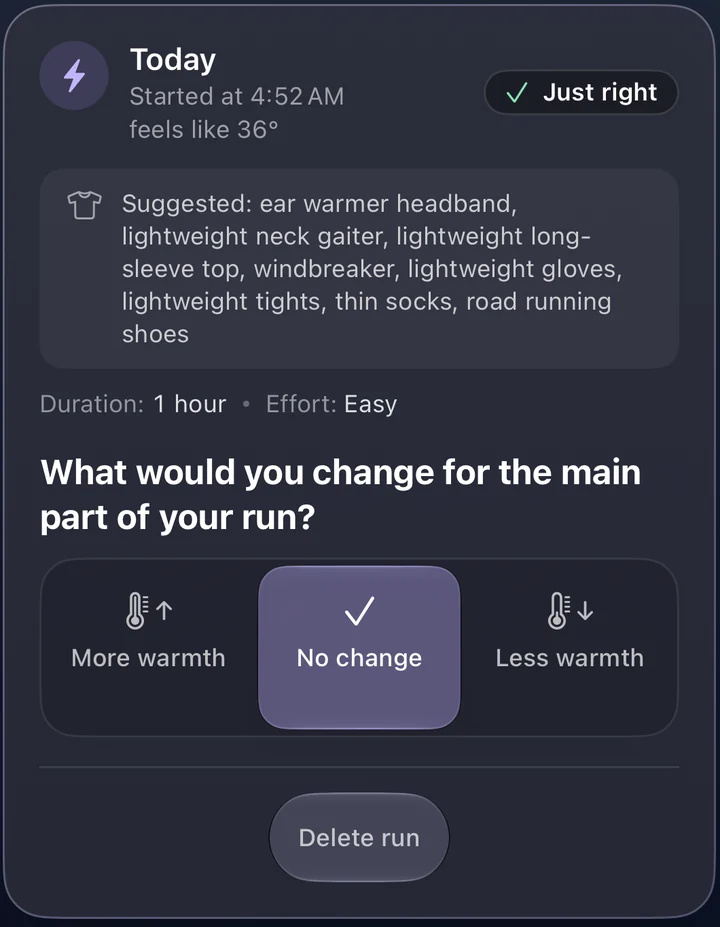
Otherwise, I followed the advice, including bringing lightweight gloves. I didn't put them on right away. About five minutes in, my hands started asking for them. They proved their worth.
I felt great and enjoyed the run.
The night-before forecast held up
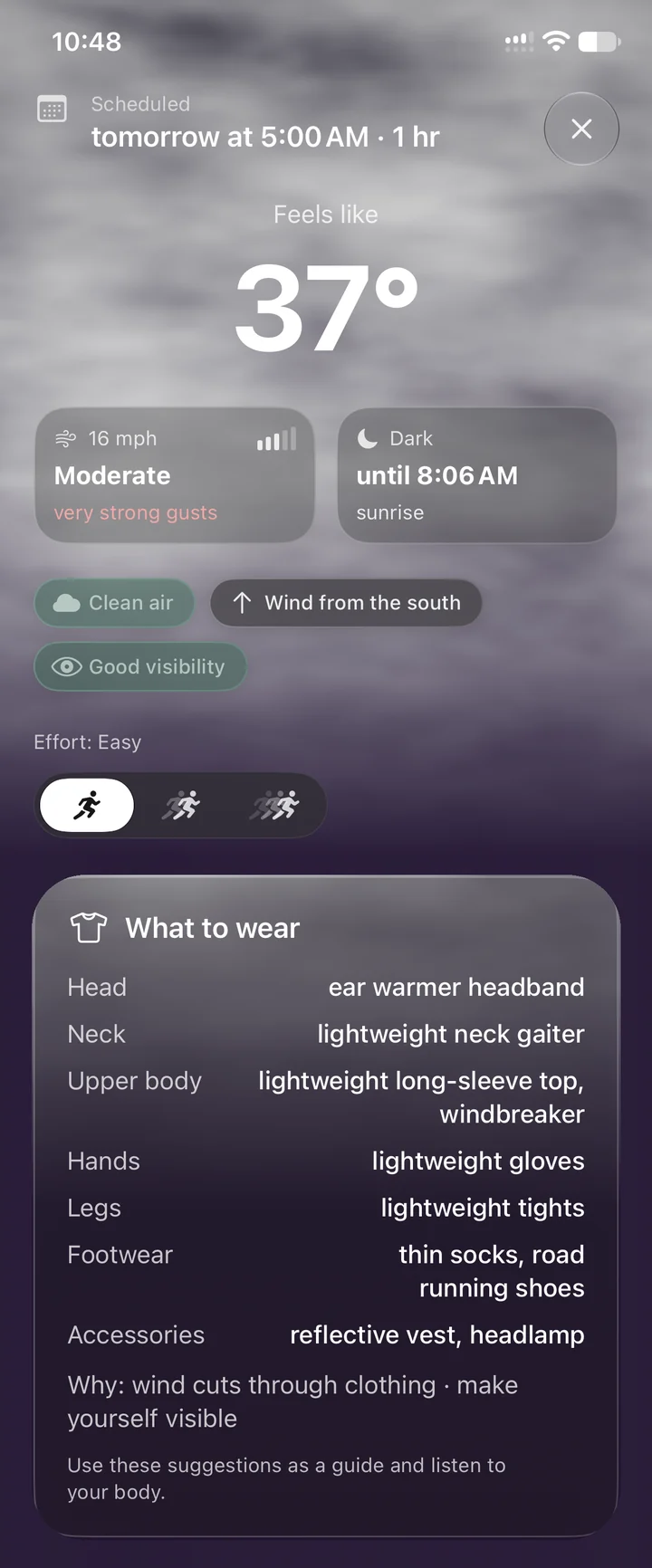
About six hours before the run, I scheduled a 5 a.m. start with a one-hour weather window. The plan showed a feels-like temperature of 37°F, 16 mph wind and very strong gusts, with a windbreaker in the outfit.
In the morning, the widget showed 36°F and 15 mph. Close enough that the clothing call stayed the same, and it matched what I ran in.
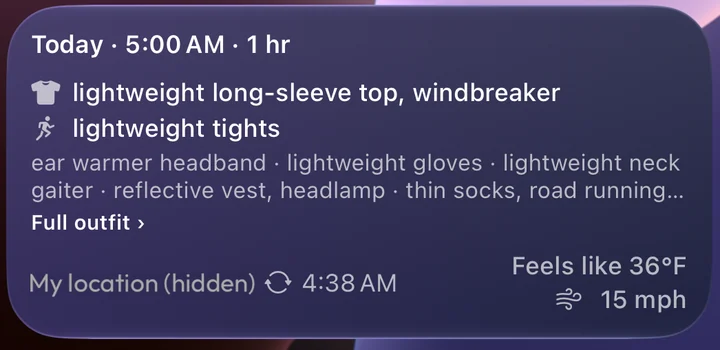
See the full plan from the night before
The reminder finished the job
I forgot to finish the run in RunOutNow as soon as I got home, too. When I checked my notifications, the app was waiting with a reminder to rate it.
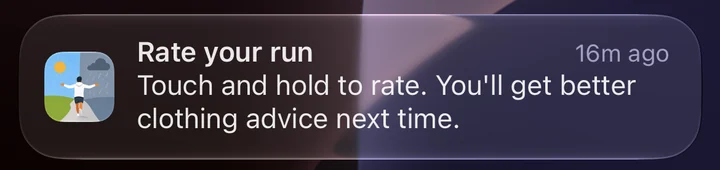
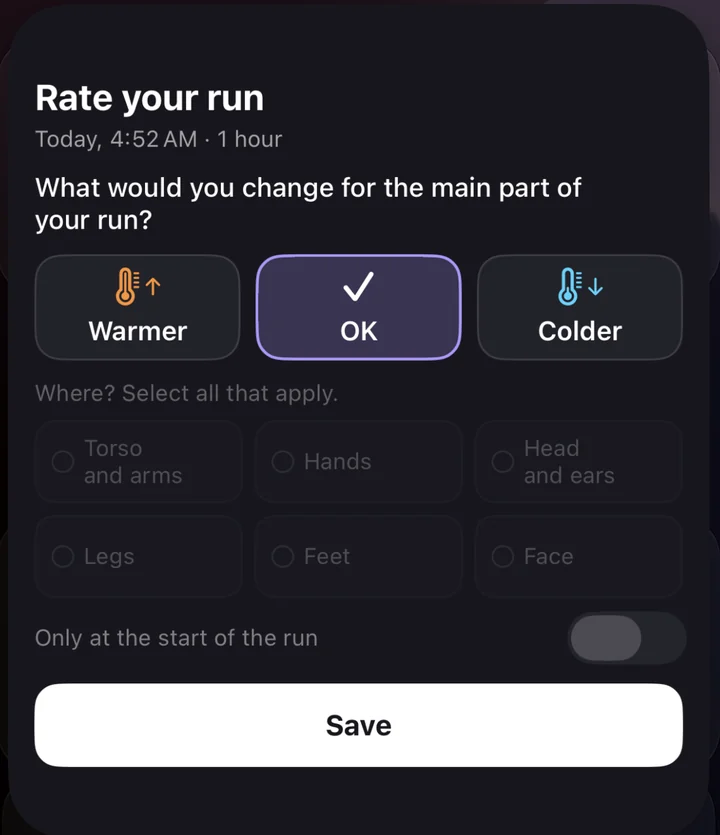
I could choose my answer right there, without opening the app. Long press, pick “OK,” save. The journal showed “Just right,” with “No change” for the clothes.
Another “No change” still counts
So far, that's been my answer each time. It isn't wasted feedback. It tells the app its current warmth adjustment worked for me and helps steady future adjustments. The journal also keeps the outfit, selected effort and conditions alongside my answer.
There's more on how that feedback works if you're curious.
See the saved journal feedback
Fewer buttons to remember
I'm working on Apple Health integration for logging runs and rating them afterward. Mornings like this also make me think about detecting runs directly on phones and watches, rather than depending on Apple Health alone.
That's an idea to work on. For the next outing, my job is simpler: start the Watch workout, too.